Recent images
Reflect your current look and hairstyle.
Upload guidance
Better reference media can improve monitoring. Start with clear face photos, then add names, links, and known problem URLs.
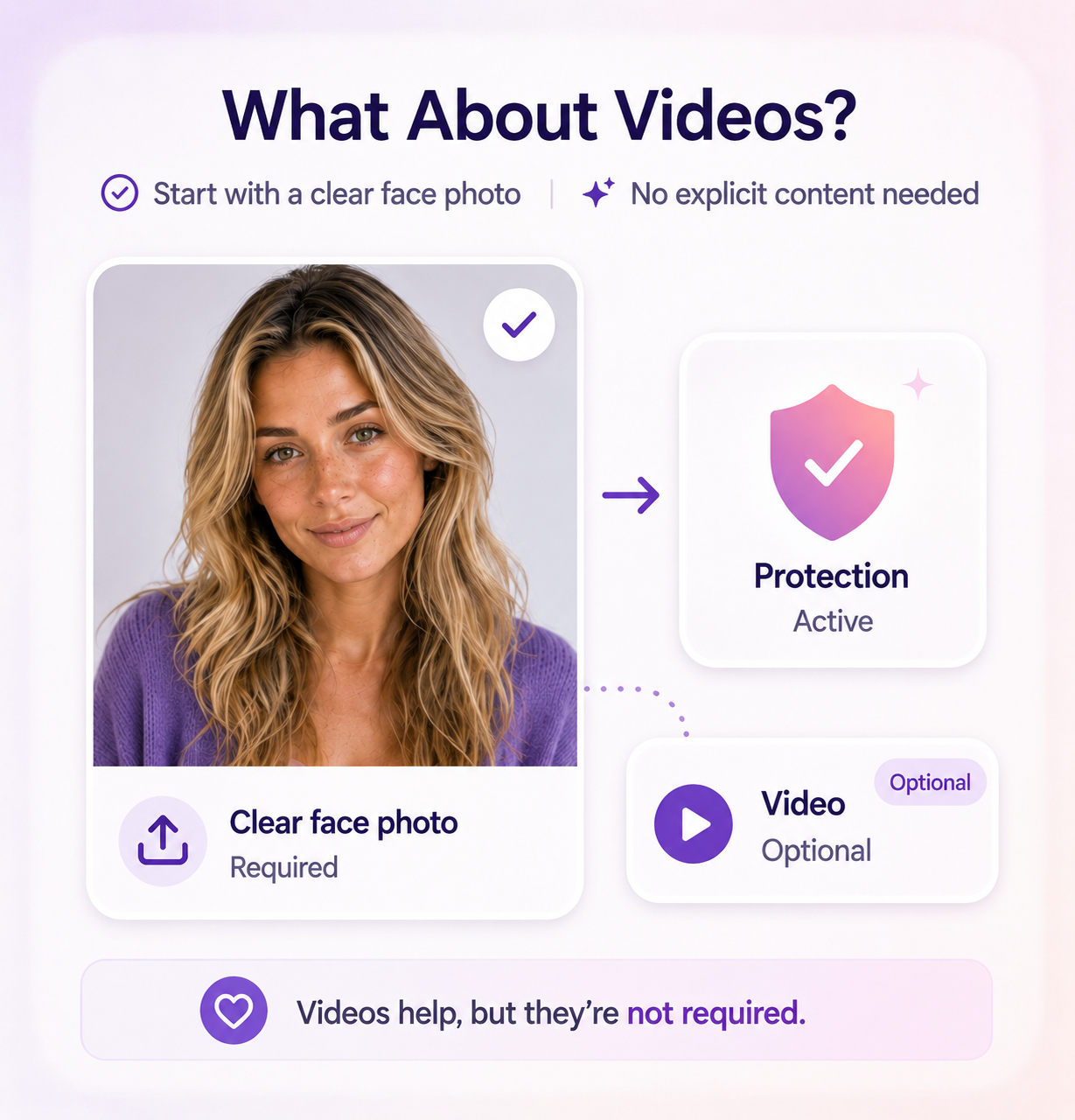
You do not need to upload explicit images to begin. Clear face photos are often the best starting point.
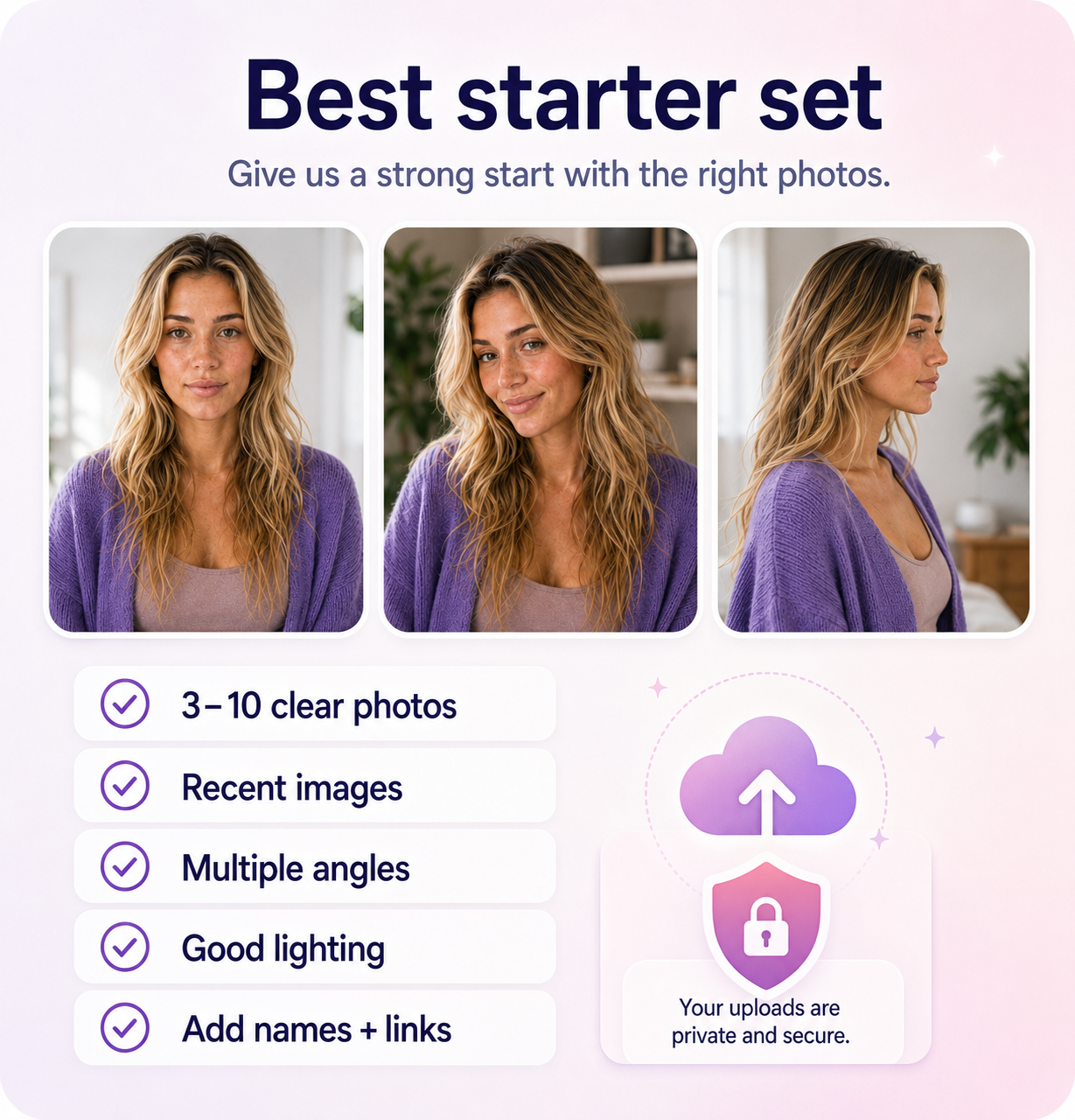
Best starter set
A practical starter set is 3 to 10 clear face photos with neutral and smiling expressions, good lighting, and minimal filters.
Reflect your current look and hairstyle.
Front, side, and slight-angle photos help reviewers and matching workflows.
Avoid dark, blurry, or heavily filtered images.
Avoid sunglasses, masks, or crops that hide the face.
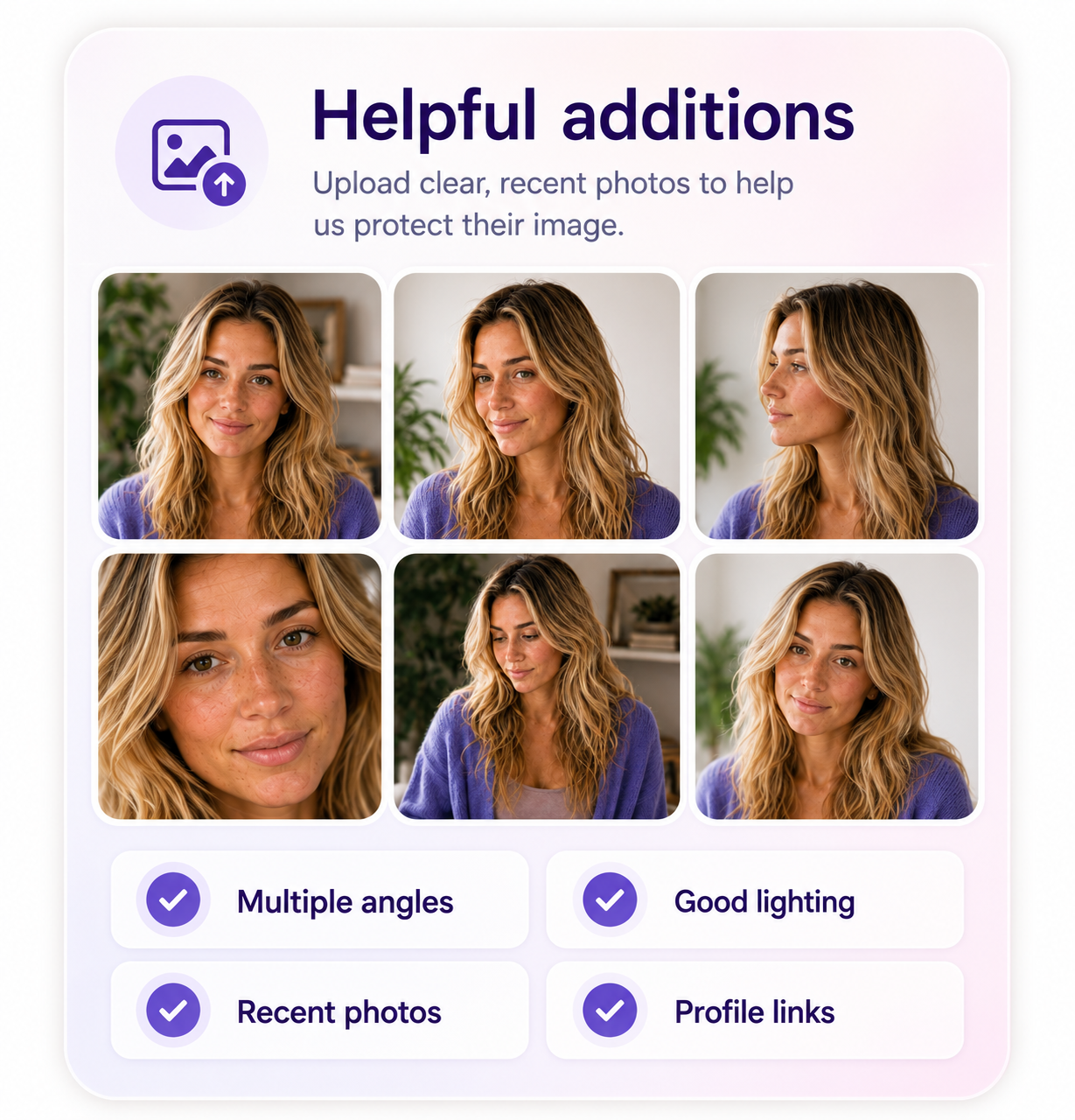
Helpful additions
Visual matching is important, but text, aliases, and known problem locations still help organize coverage.
Bad actors may use older handles or misspellings.
Public profiles give context and reduce ambiguity.
Add any location you already know about.
Useful context for stolen clips, thumbnails, or frame matches.
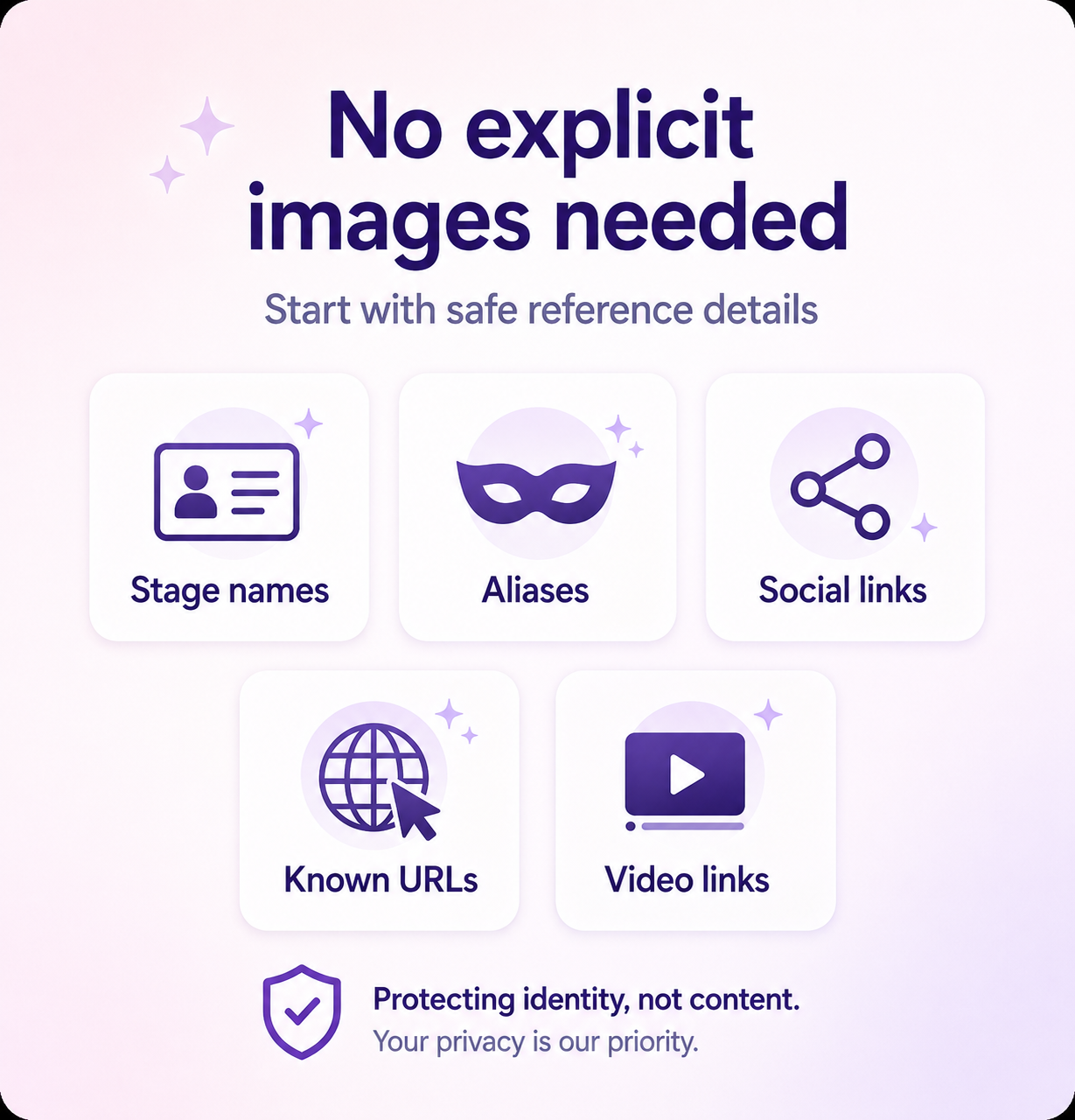
No explicit required
If a specific piece of content is being stolen, you can provide links or references, but do not upload more sensitive material than necessary.
The product should be designed to reduce exposure, not create another copy of sensitive content.
What not to upload
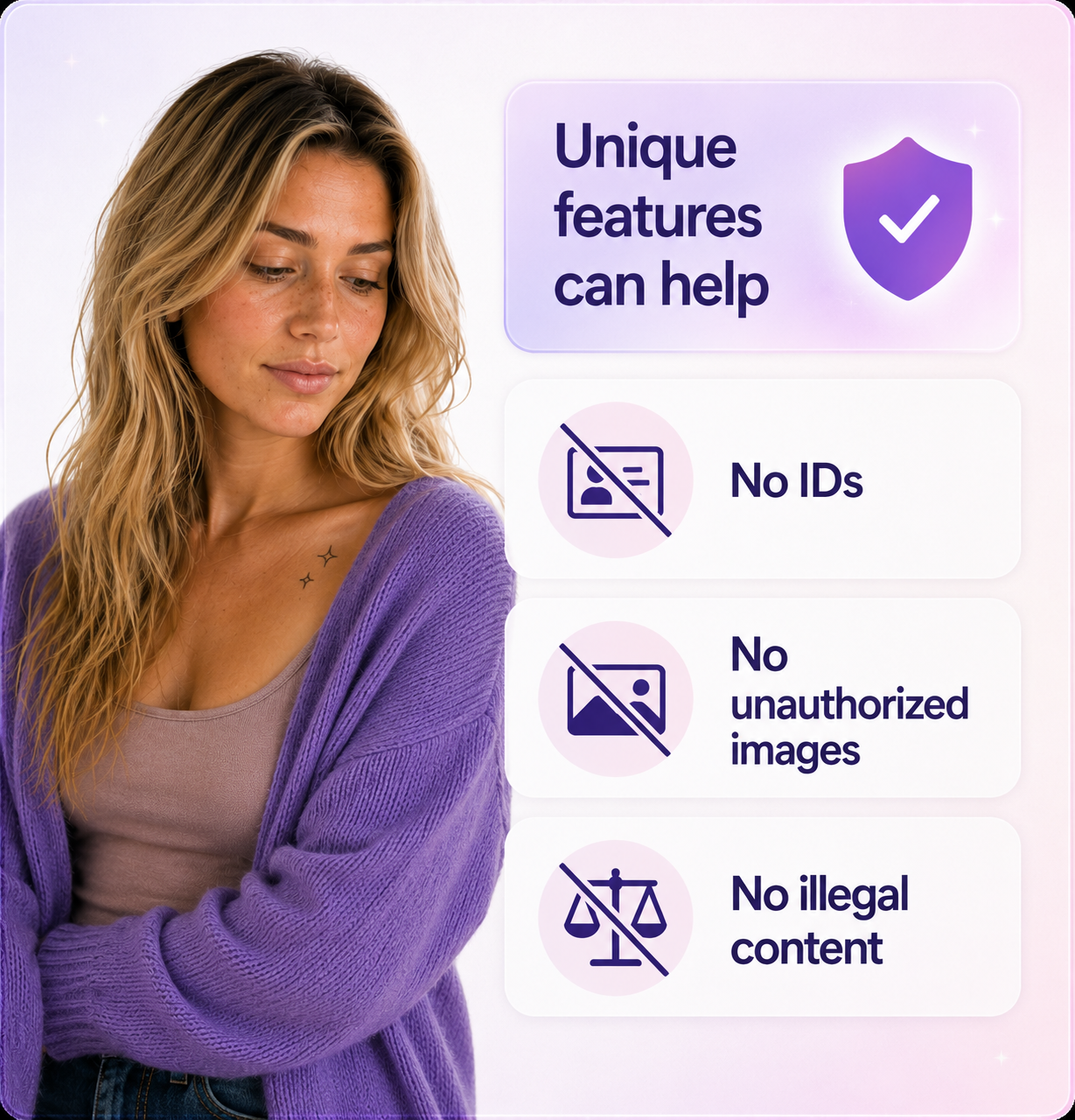
Do not upload government ID documents through this form unless a separate verification flow specifically asks for them.
Use only a dedicated verification flow if needed.
Only submit media you are authorized to provide.
Never upload illegal material.
Use links or safe context where possible.
Upload clear photos first, then add profile details and known problem URLs.