View new findings
Review likely matches, source details, statuses, and evidence notes.
Customer portal
Review possible matches, add reference photos, and check the status of your protection work after you log in.
After login
After sign-in, your portal brings your protection work and next steps together.
Review likely matches, source details, statuses, and evidence notes.
Upload images, add stage names, and update public links.
See notices prepared, notices sent, removals confirmed, and pending responses.
View current plan, partner code, invoices, and cancellation options.
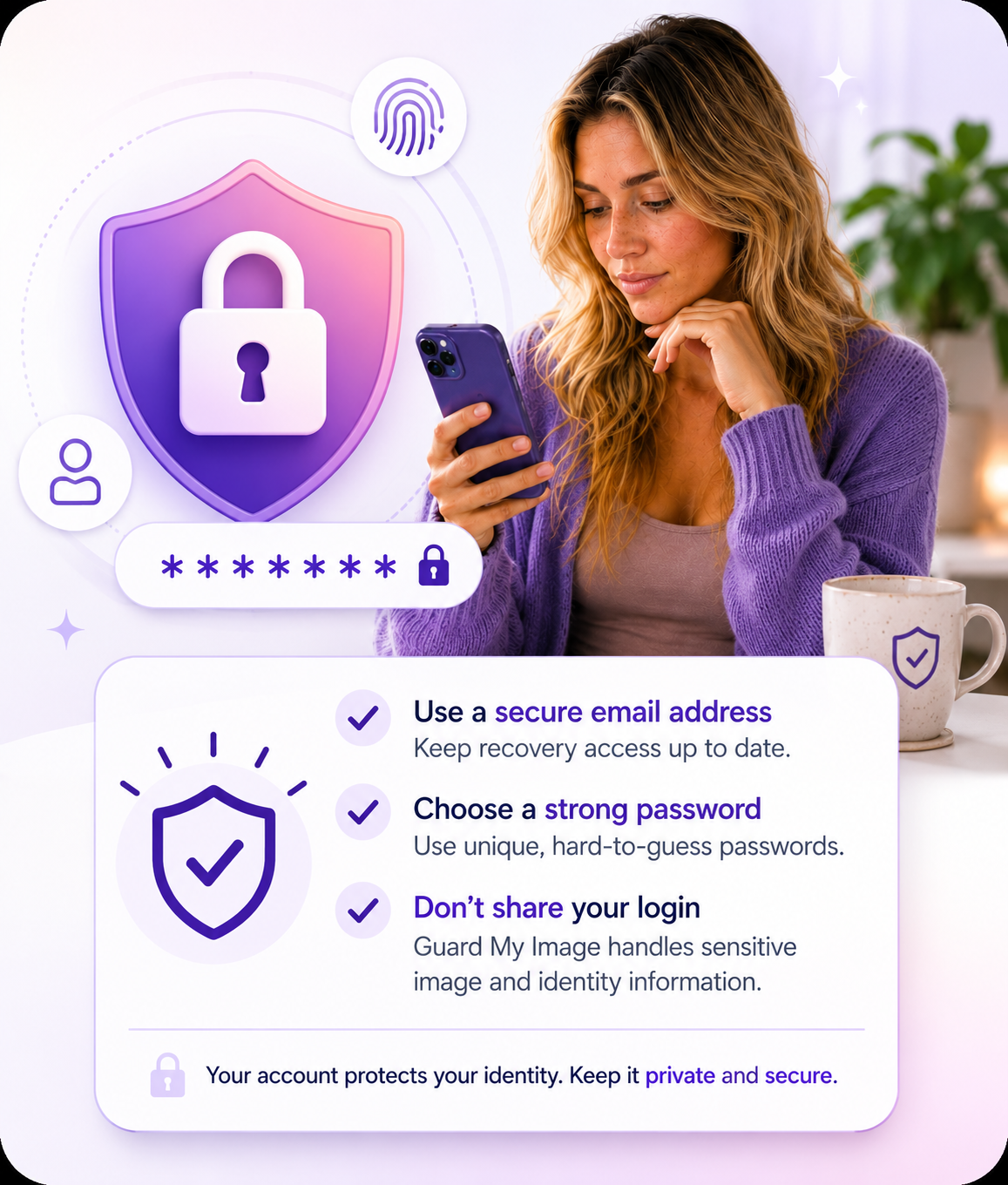
Security reminder
Use a secure email address and strong password. Because Guard My Image may handle sensitive image and identity information, do not share your login.
If you lose access, use the support path instead of creating duplicate accounts.
Create an account to start a free exposure check or choose ongoing monitoring.