Sample report
See what a Guard My Image report looks like
A clear report helps you understand what was found, where it was found, what action was taken, and what still needs attention.
All data on this internal page is synthetic sample material. No customer images, misuse images, private URLs, or real takedown targets are shown.
Synthetic reportFake URLsStatus historyExport-readyNo customer images
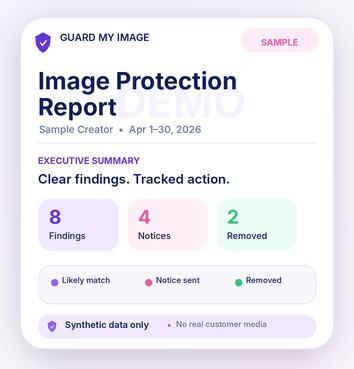
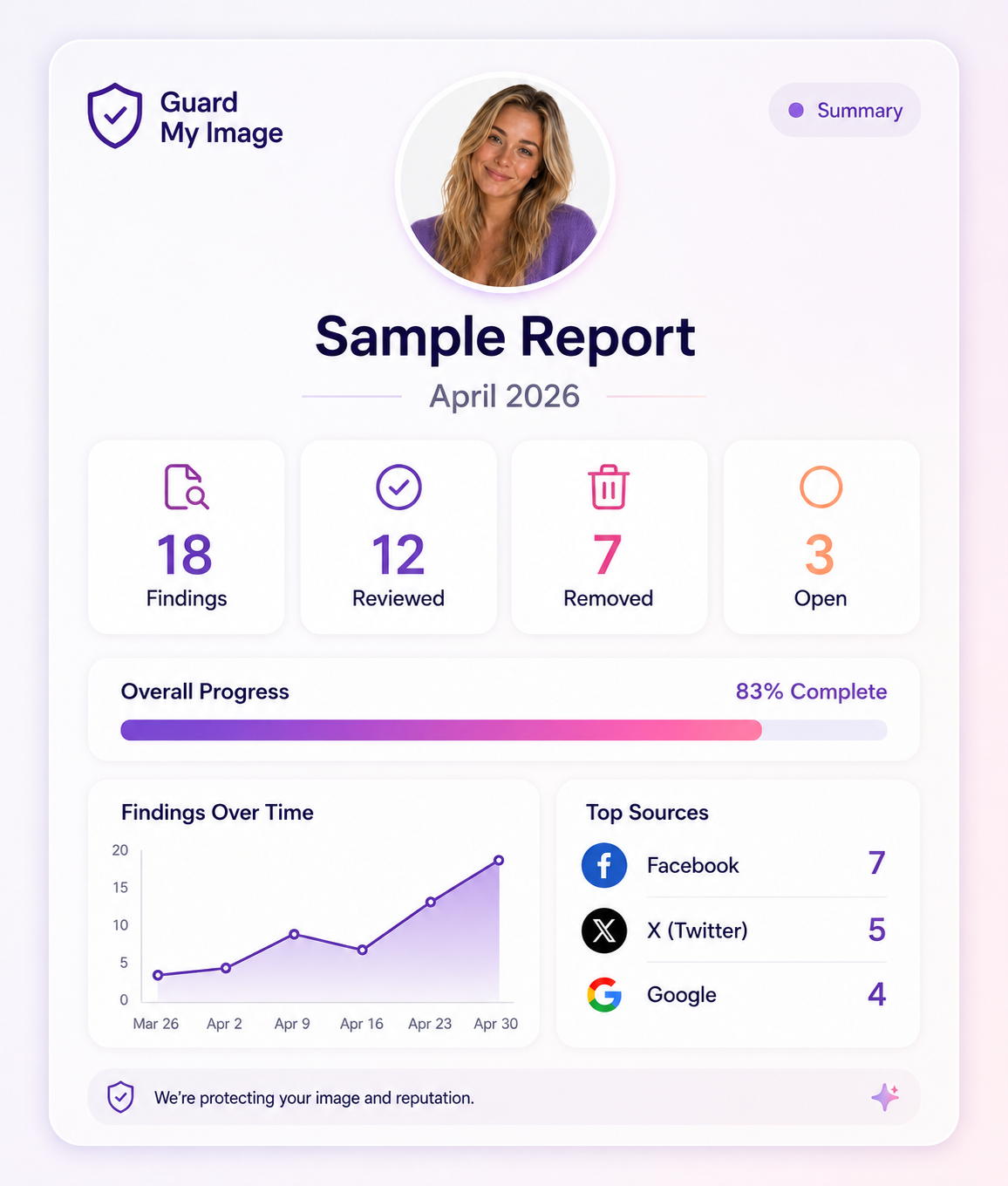
Executive summary
A fast overview of findings and open action items
This example report shows the level of organization customers and teams should expect: categories, status, dates, open items, and next steps.
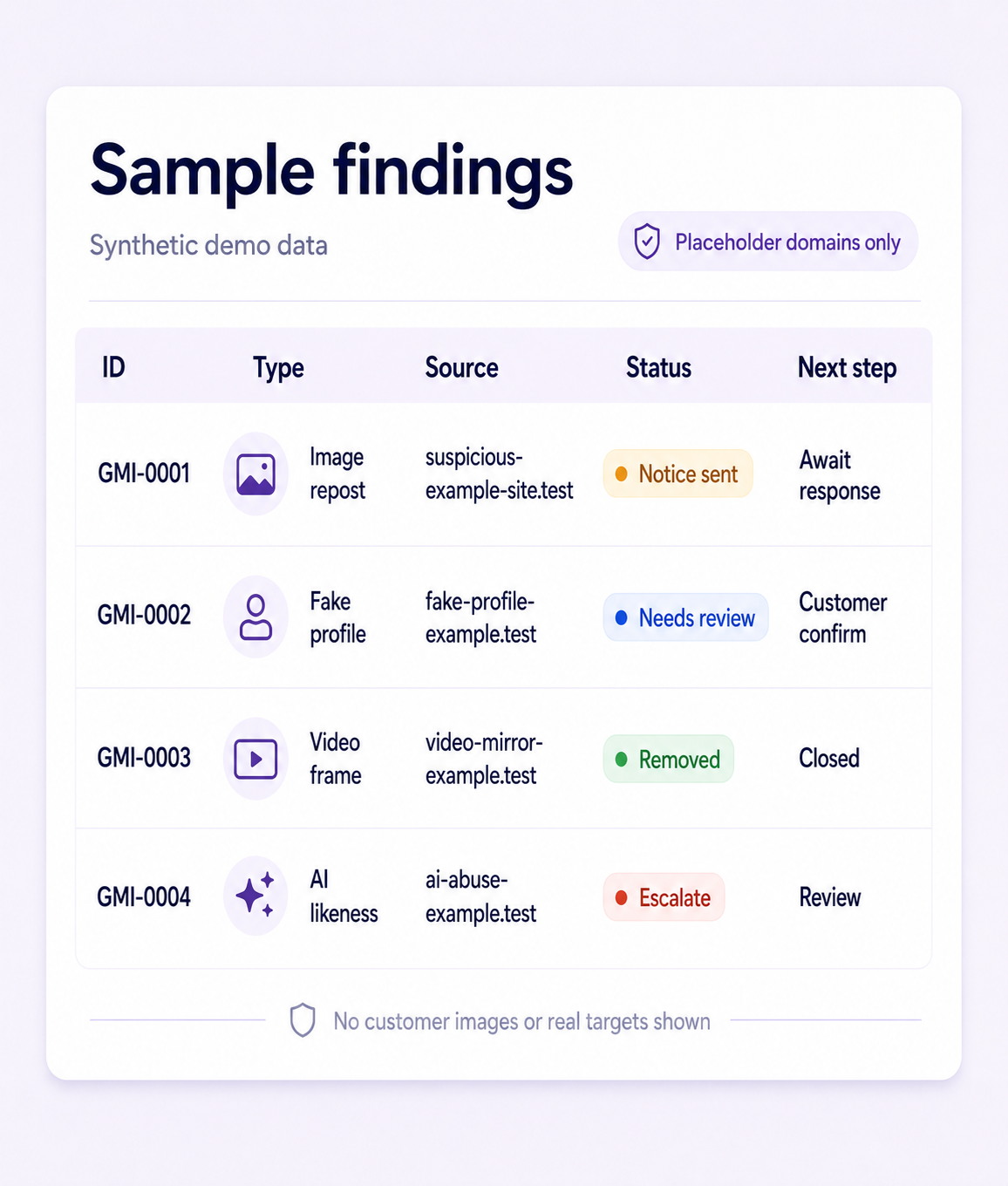
Findings table
Every report should turn vague worry into specific rows
The public demo uses placeholder domains and sample finding IDs so the workflow is visible without exposing any customer or infringing material.
| ID | Type | Source | Status | Next step |
|---|---|---|---|---|
| GMI-0001 | Image repost | suspicious-example-site.test | Notice sent | Await response |
| GMI-0002 | Fake profile | fake-profile-example.test | Needs review | Customer confirm |
| GMI-0003 | Video frame | video-mirror-example.test | Removed | Closed |
| GMI-0004 | AI-altered likeness | ai-abuse-example.test | Escalation recommended | Review |
Takedown timeline
The history matters as much as the alert
A usable report should show what happened, when it happened, and where the workflow currently stands.
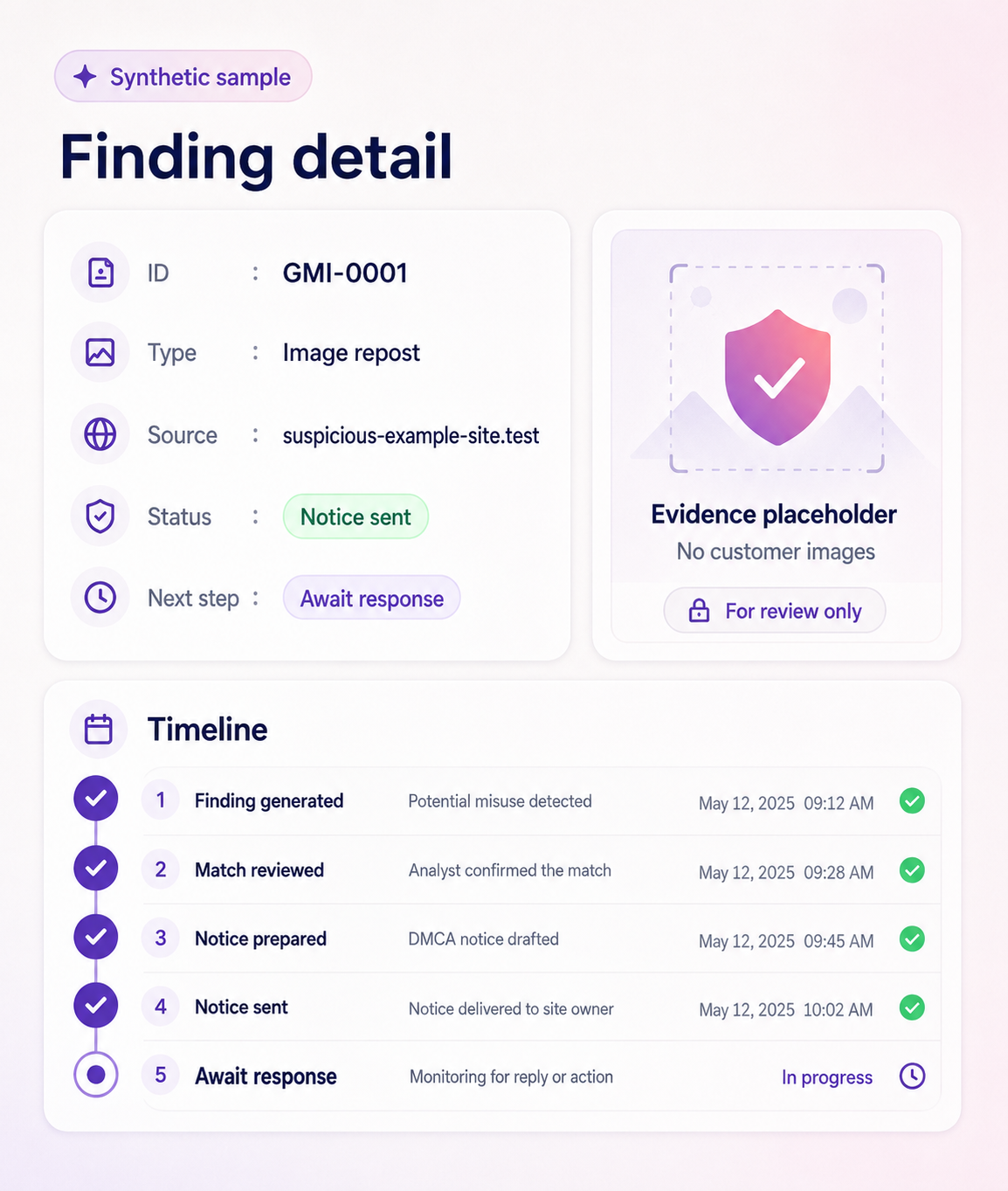
- 1
Finding generated
Likely misuse was surfaced and added to the customer dashboard.
- 2
Match reviewed
Reviewer or customer confirmed whether the finding appears connected to the reference profile.
- 3
Notice prepared
Required URL, source, evidence, and authority fields were assembled.
- 4
Notice sent
The action was submitted or exported according to the customer plan.
- 5
Follow-up scheduled
Open responses are tracked instead of being lost in email.
- 6
Removal confirmed
Closed items stay visible in the report history.
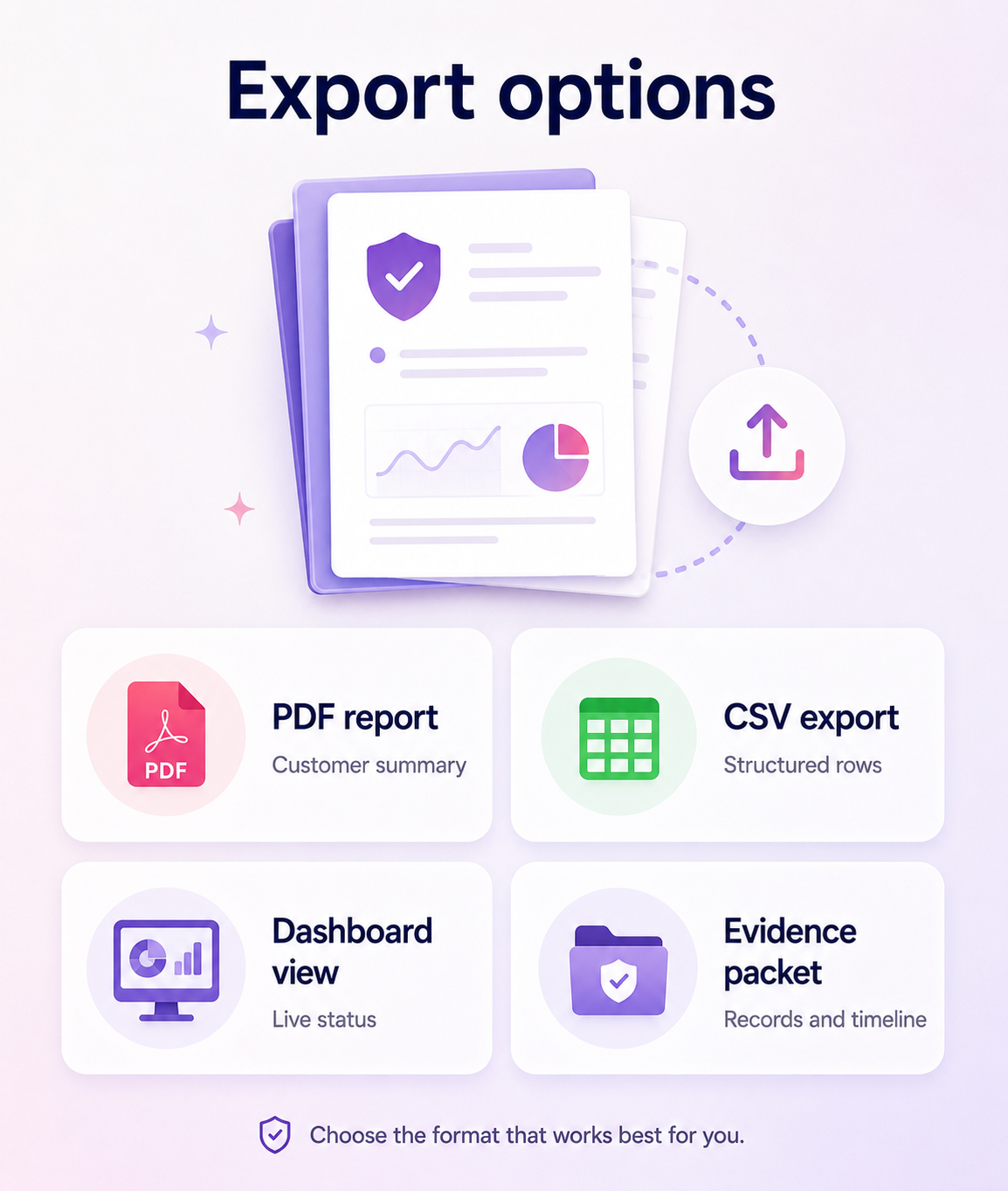
Export options
Reports should travel outside the dashboard when needed
Customers, agencies, PR teams, and legal-adjacent teams may need different outputs from the same finding history.
PDF report
A clean customer-facing summary for records, counsel, or client review.
CSV export
Structured rows for operations teams and agency reporting.
Dashboard view
Live status for customers and support teams.
Evidence packet
A focused bundle for a specific finding or escalation.
Sample-data watermark
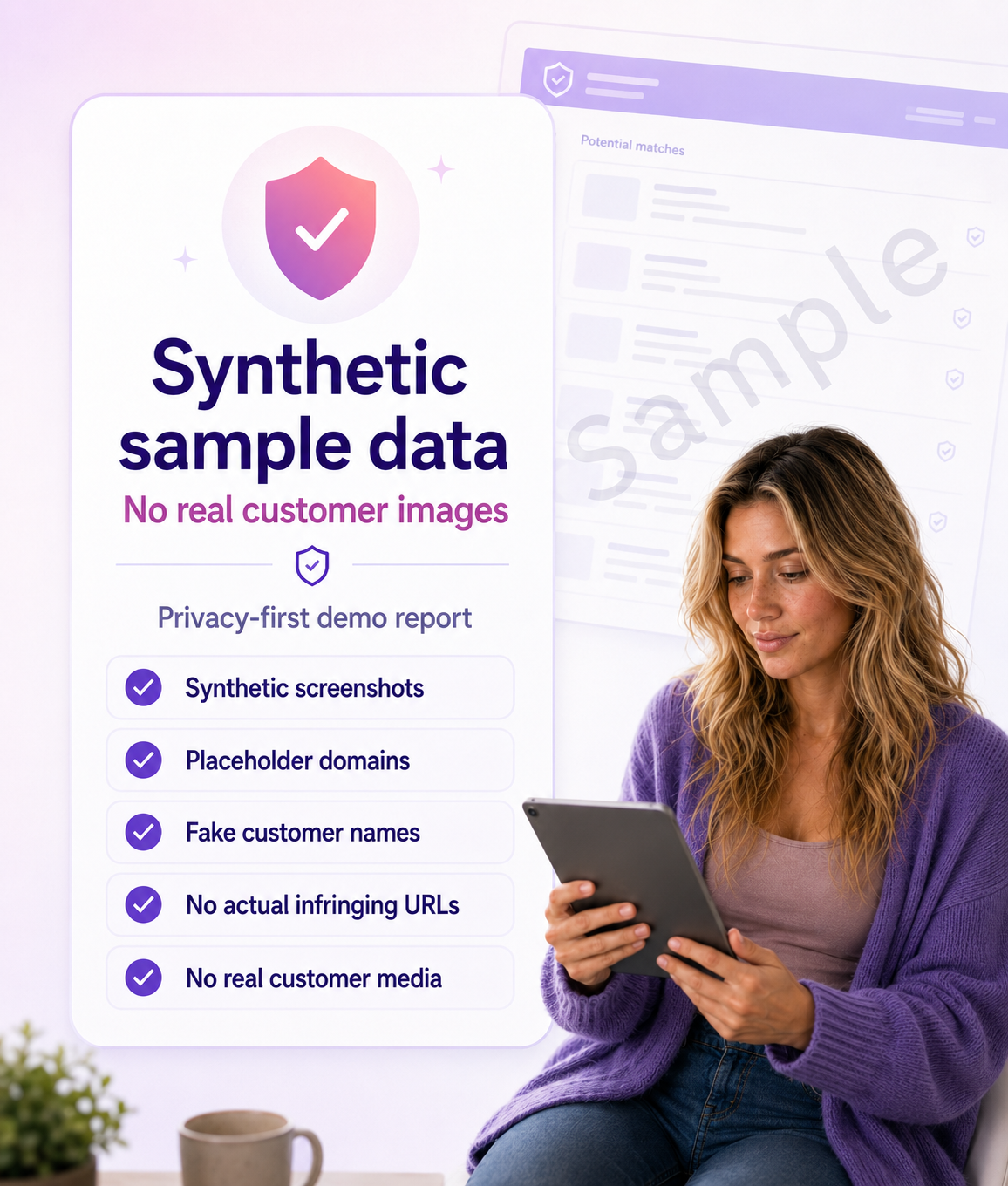
Demo materials must stay clearly synthetic
Guard My Image should never use real customer misuse images as public sales examples unless explicit written permission exists.
The example report page keeps the product concrete while preserving the privacy posture the brand depends on.
- Synthetic screenshots
- Placeholder domains
- Fake customer names
- No actual infringing URLs
- No real customer media
Want a report like this for your image?
Start with a free exposure check, then choose ongoing monitoring when you are ready.